
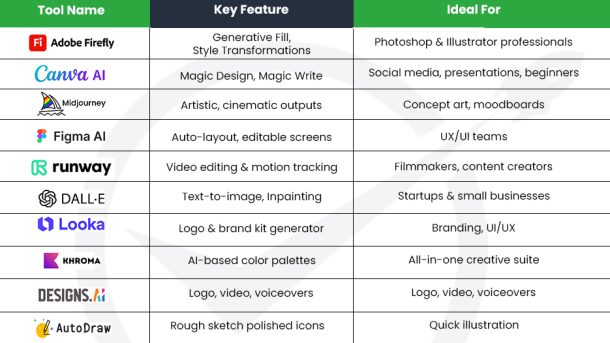
The world of creativity is changing very fast and AI is helping a lot. AI can turn words into pictures, fix videos, make photos look better and create new designs. Things that took many hours before can now be done in minutes or seconds.
Artists designers filmmakers marketers and 3D creators are using AI to break limits try new things and make their work more creative.
If you are an experienced designer or just starting AI tools can help you work faster, think better and be more creative. This guide shows 14 of the best AI design tools that help you create smarter and faster than before. These tools are important helpers for modern creators.
What Are AI Design Tools
AI design tools are computer programs that use artificial intelligence to make design work easier. They use machine learning computer vision and language understanding to help you make pictures videos and designs faster and better.
Before AI designers had to do everything by hand. They edited pictures, made layouts, created videos and thought of new ideas all on their own. This took a lot of time and energy. AI can do boring and repetitive tasks automatically so designers can spend more time thinking creatively and solving problems.
AI tools act like a smart helper or co-pilot. They do not replace human creativity. Instead they make human creativity stronger. With AI designers can make better work faster try more ideas and explore new ways of creating art and designs.
Why AI Tools Are Important
AI tools save time and let creators focus on imagination. They can
- Make pictures or videos faster
- Suggest creative ideas
- Edit and improve images automatically
- Combine styles and effects in new ways
- Help creators learn and experiment
With AI anyone can be more productive and creative. These tools give everyone from beginners to experts a chance to make amazing designs art and videos without spending too much time on boring tasks.
Benefits of AI Design Tools
AI design tools do not replace human creativity. They work like smart helpers that make designing faster easier and better. By using your imagination with AI help designers can try new ideas innovate and make great visual work.
Here is how AI is changing the design world
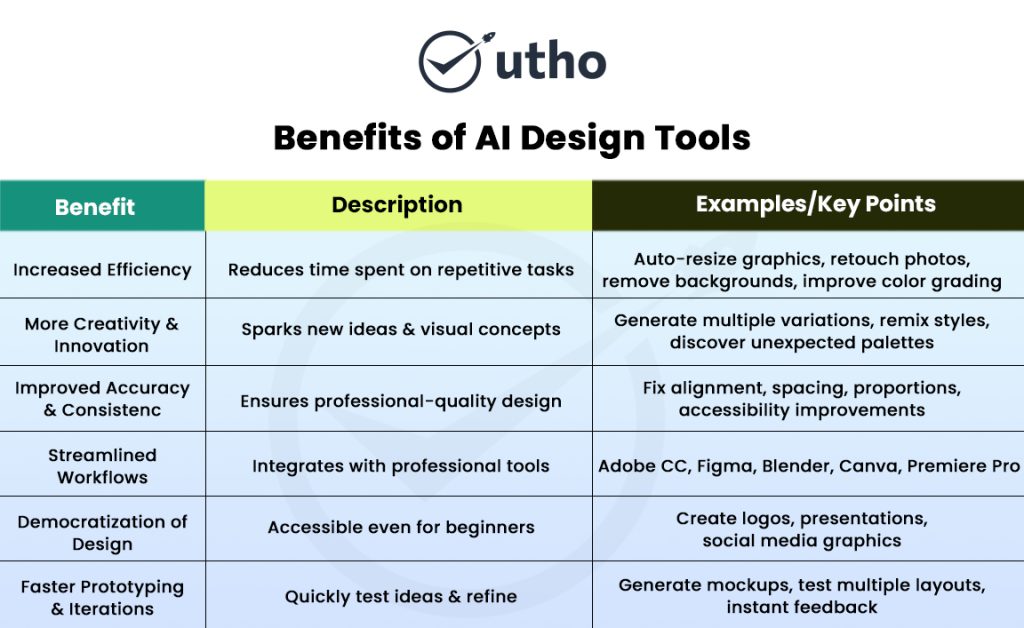
1. Work Faster
AI tools save a lot of time for designers. Instead of spending hours adjusting layouts or fixing pictures bit by bit AI can do it automatically.
– resize graphics with perfect scaling
– retouch photos with natural finish
– remove backgrounds with accurate edge detection
– generate layout templates based on content
– fix alignment or spacing issues instantly
– improve color grading and lighting
– produce written or visual content on demand
By doing these repetitive tasks automatically designers have more time for creative decisions. Work gets done faster workflows are smoother and designers can think more freely and imaginatively.
2. More Creativity and New Ideas
AI helps designers try ideas they may not think of on their own. Instead of starting from nothing, creators can use AI to get inspiration and explore new directions. With one prompt AI can make many different pictures suggest new colors mix styles or give artistic versions of an idea.
AI becomes like a brainstorming partner that never runs out of ideas. It helps designers try new things confidently and make fresh and creative work.
3. Better Accuracy and Consistency
Good design needs precision and AI is very good at this. AI tools can look at a design find mistakes and automatically fix problems like.
– misaligned elements
– uneven spacing
– inaccurate proportions
– poor readability
– low-contrast color combinations
For UX designers AI can study how users act and suggest changes to make designs easier to use, more accessible and more engaging. This helps every design from websites to marketing material look balanced and professional.
4. Easier Workflows
AI works well with other tools like Adobe Figma Blender Unity Canva and Premiere Pro. This helps teams avoid repeating work move files less and keep everything in one process.
For example an AI layout can go straight to Figma for changes or an AI video can go to Premiere for more editing. This makes team work faster and smoother.
5. Making Design for Everyone
AI also makes design easier for everyone. Tasks that needed years of training like making a brand design creating presentations or editing images can now be done by beginners.
With AI help even people who are not designers can create
With AI assistance, even non-designers can create:
– professional-grade layouts
– social media graphics
– vector illustrations
– pitch decks
– custom logos
– photo enhancements
This democratization doesn’t replace skilled designers-it expands creative opportunities to more people, while letting professionals work at a far higher level.
6. Faster Prototyping & Iterations
AI empowers designers to test ideas rapidly and iterate without delay. Instead of manually building screens or mockups, designers can generate prototypes in seconds and instantly see how multiple variations work.
This fast work is very helpful when making new products. Teams can check their ideas quickly, make changes right away, and share feedback easily. AI helps people work together smoothly, finish designs faster, and bring products to customers sooner while still making them better and more polished.
Top 14 AI Design Tools That Help Creative People
AI has changed design by giving smart tools that are fast and easy. These tools do hard work like making layouts or editing videos so designers can spend more time being creative.
Here is the list of 14 AI design tools that every modern creative should know about:
1. Adobe Firefly
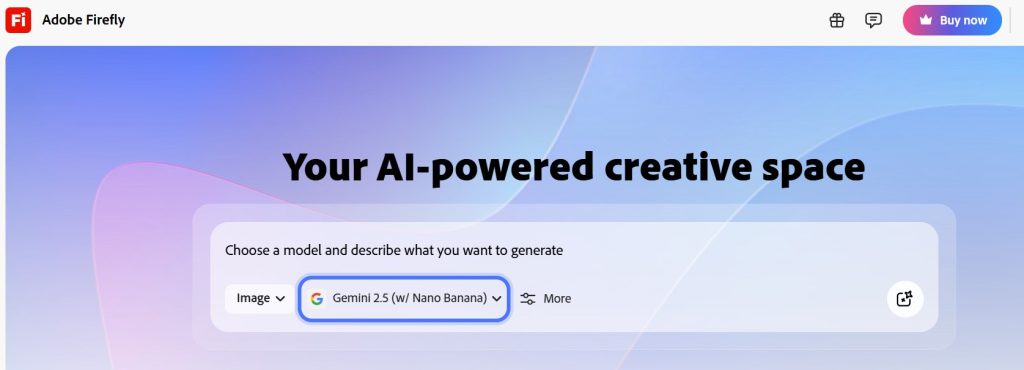
Adobe Firefly is an AI tool that works with Photoshop, Illustrator and Express. It helps you make pictures, fix graphics, change colors and add things to images. You just type what you want and it does it for you. It is safe for work and businesses. You can fill empty parts of pictures, make pictures bigger, turn words into shapes, and change styles. It works well with other Adobe programs and helps designers work faster.
2. Canva AI
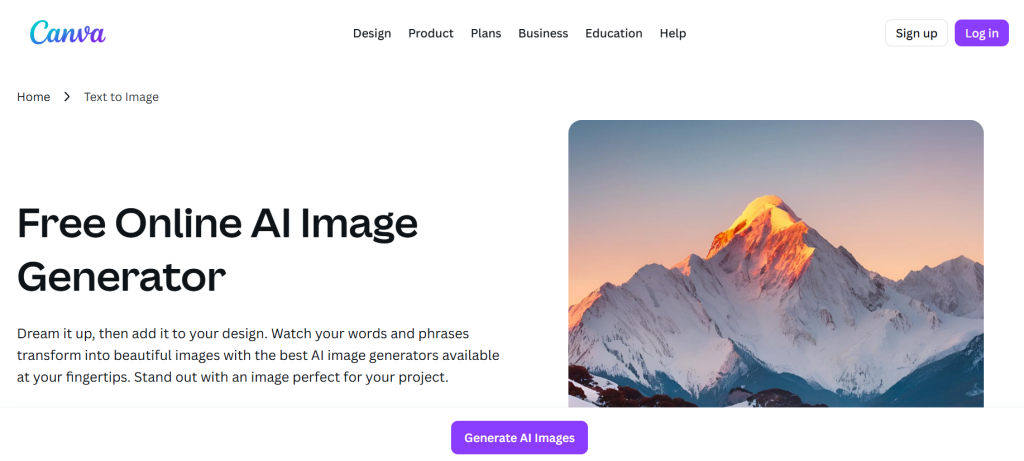
Canva AI is a smart tool that helps anyone make designs easily, even beginners. It can make templates, remove parts of pictures, design layouts, and write text quickly. It works well for social media posts, presentations, and other designs. It is simple to use and saves a lot of time.
3. MidJourney
MidJourney is an AI tool that makes artistic and stylish images. Designers use it for concept art, logos, characters, and mood boards. You can give it instructions and it shows many styles and ideas. It makes images with good lighting and details. Many designers, filmmakers, and artists use it for fast and creative results.
4. Figma AI
Figma AI helps make app and website designs fast. It can create screens, dashboards, and layouts from simple instructions. It also suggests better layouts and content. It saves hours of work and helps teams work together more easily.
5. Runway ML

Runway ML is an AI tool that helps make videos and add cool effects. You can make videos from text, remove things you don’t want, fix or improve video quality, and track moving objects automatically. It has tools like Gen-2 and inpainting that make videos look professional without needing hard editing software. Many YouTubers, filmmakers, and creators use it to make good videos quickly. It helps people bring their creative ideas to life with AI.
6. DALL·E
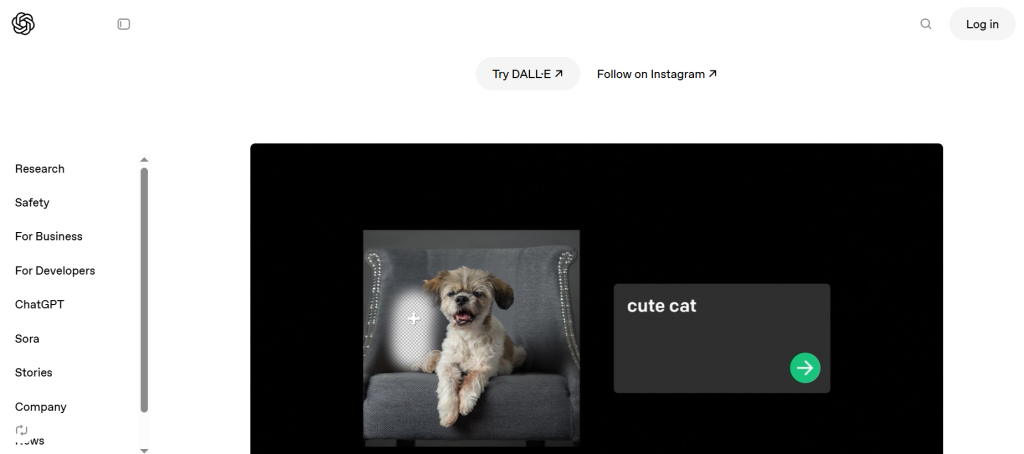
DALL·E is an AI tool that can turn words or ideas into pictures. You just tell it what you want like a red bicycle in a sunny park and it makes a picture that matches your idea. You can use it to make product pictures, posters banners, logos or digital drawings. It can follow instructions about colors style or objects so the picture looks how you imagine You can also change parts of the picture or add new things to make it better DALL·E is very helpful for teams, companies or anyone who wants good pictures fast without spending a lot of time drawing.
7. Looka
Looka is an AI tool for creating a brand. It can make logos, color schemes, business cards, and full brand kits in minutes. You can choose your style and get many options to pick from. It is very useful for small businesses, freelancers, or startups that don’t have a big design team. Looka makes it easy to build a brand quickly and professionally.
8. Khroma
Khroma is an AI tool that makes color sets. It learns which colors you like and gives many new combinations for apps, websites, or logos. The colors always look good together. It helps designers and teams keep colors the same in all their work.
9. Designs.AI
Designs.AI is an AI tool that can do many creative jobs. You can make logos, videos, voices, and branding all in one place. It can turn a script into a ready video with AI voices and clips. It also gives ideas to make designs better. It helps teams work faster and make professional content.
10. AutoDraw
AutoDraw is a Google AI tool that changes rough sketches into neat icons or pictures. You draw roughly and AI fixes it to look clean. It is fast and easy for beginners and pros. It is great for making symbols, icons, or quick drawings.
11. Remove.bg
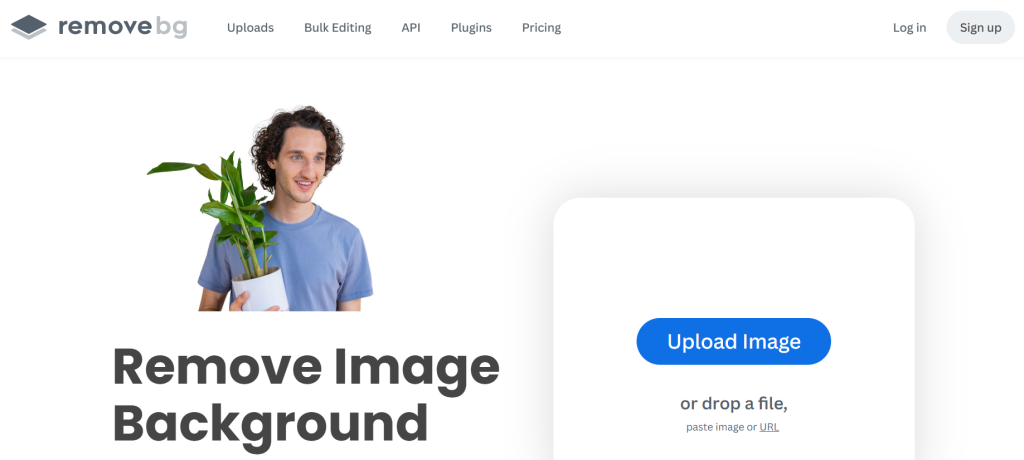
Remove.bg is an AI tool that takes away the background from pictures in one click. It works well even with hard parts like hair or shadows. Designers use it for product pictures, social media, and ads. It saves lots of time and is very fast and easy.
12. Uizard
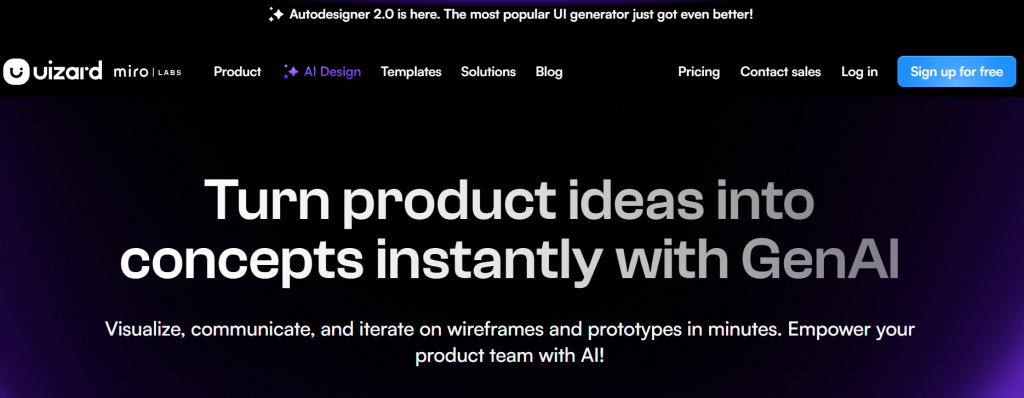
Uizard is an AI tool for making app or website screens. You can draw a rough sketch or write instructions, and it turns them into ready screens. It makes layouts and themes quickly. Teams use it to test ideas fast without needing much design skill.
13. Jasper Art
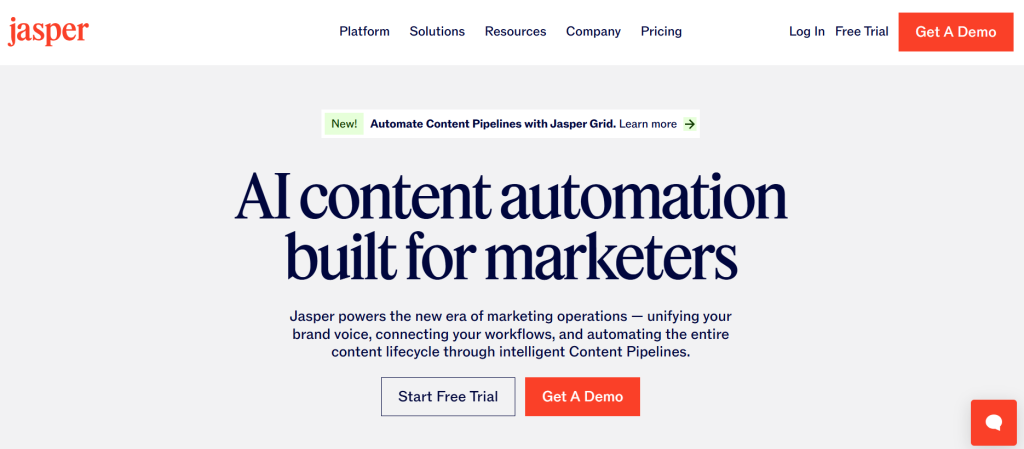
Jasper Art is an AI tool that makes pictures for blogs, social media ads or thumbnails. You just tell it your style or colors and it makes images that match. It helps marketing teams and creators make high-quality visuals quickly.
14. Pixlr AI
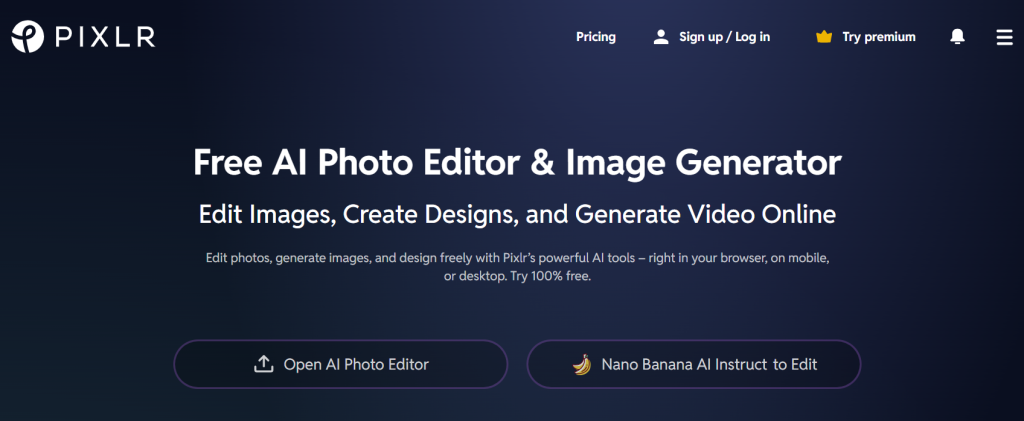
Pixlr AI is a photo editing tool you can use online. It can remove backgrounds, add filters, fix pictures and make graphics for posts or ads. It is easy for beginners and helpful for designers. It is fast and simple for daily work.
AI Design Tools FAQ: Simple Answers for Creatives
1. How do AI design tools work?
AI design tools are smart computer programs. AI design tools study many examples of colors, shapes , layouts and designs to learn patterns. Then when you give instructions they can suggest ideas, fix designs or make full images templates or graphics for you. They help you work faster by guessing what you want and doing it automatically.
2. Can beginners use AI design tools?
Yes! AI design tools are made to be easy for everyone. Even if you are new to design you can make nice visuals. AI tools have ready templates, automatic layout fixes, background removal and smart tips These features help beginners create professional designs without much experience.
3. What should I consider while choosing an AI design tool?
When selecting an AI design tool, keep these factors in mind:
- The core features you need (e.g., image editing, text-to-image generation, layout automation)
- Pricing and subscription model
- Ease of use and learning curve
- Integration with your existing tools (Figma, Adobe, CMS platforms)
- Output quality and export formats
- Customization options
- Data privacy and security
4. Can AI fully replace human designers?
No AI cannot fully replace human designers. AI can do boring tasks, make different versions and help with ideas but it cannot think creatively, feel emotions or understand a brand. AI is best used to help designers not replace them.
5. What types of projects can be created using AI design tools?
AI tools can be used for a wide range of creative projects, including:
- Social media graphics
- Logos and branding elements
- Marketing banners
- Product mockups
- Presentations
- Illustrations and concept art
- UI/UX layouts
Their versatility makes them suitable for both personal and professional use.
6. Are there any downsides to using AI design tools?
Yes, there are a few limitations:
- Designs can sometimes look generic
- Over-reliance on templates may reduce originality
- Advanced features may require paid plans
- AI may not always understand nuanced brand guidelines
- Output quality varies across tools
7. Do AI design tools support collaboration?
Yes, many AI design tools let teams work together at the same time. You can edit comments and improve designs with your team. This is helpful for remote teams and fast work.
8. How accurate are AI-generated design suggestions?
AI suggestions are mostly correct because the tools learn from lots of good examples. But they are not always perfect. Sometimes you need to fix things by hand to match your brand or style.